# Weather
> Record weather information in Aragro to support day-to-day farm management.
Source: https://resources.aragro.com/en/weather/
Language: en
Relative links and media resolve against the source URL.
Using Aragro’s **Weather** modules is essential for efficient, proactive farm management. Here is how to make the most of this tool.
## Open the Weather module
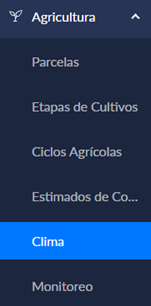
1. In the left sidebar, select **Agriculture**. You will find **Weather** in that module.
## Main features
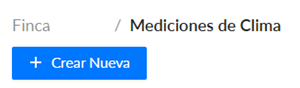
To enter new weather data, click **“+ Create new.”**
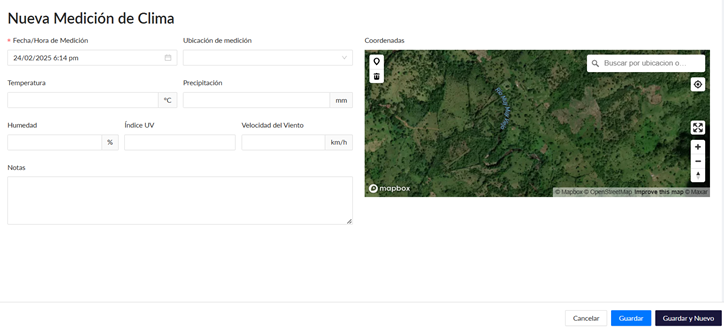
Fill in all the fields shown with the information available to you.
Finally, click **Save** in the bottom-right corner to save the information you entered.
Making the **Weather** and **Pest Monitoring** modules part of your daily routine can help you anticipate potential risks and optimize resources.
If you have a question this guide does not answer, contact us in the Aragro chat and we will be happy to help.