# Crop cycles
> Organize activities, resources, costs, and productivity by crop cycle.
Source: https://resources.aragro.com/en/crop-cycles/
Language: en
Relative links and media resolve against the source URL.
In Aragro, you can manage crop cycles to keep track of all activities, resource use, costs, and productivity for a production cycle. Each crop cycle is for managing one crop; if you manage multiple crops, you can have more than one cycle open at a time.
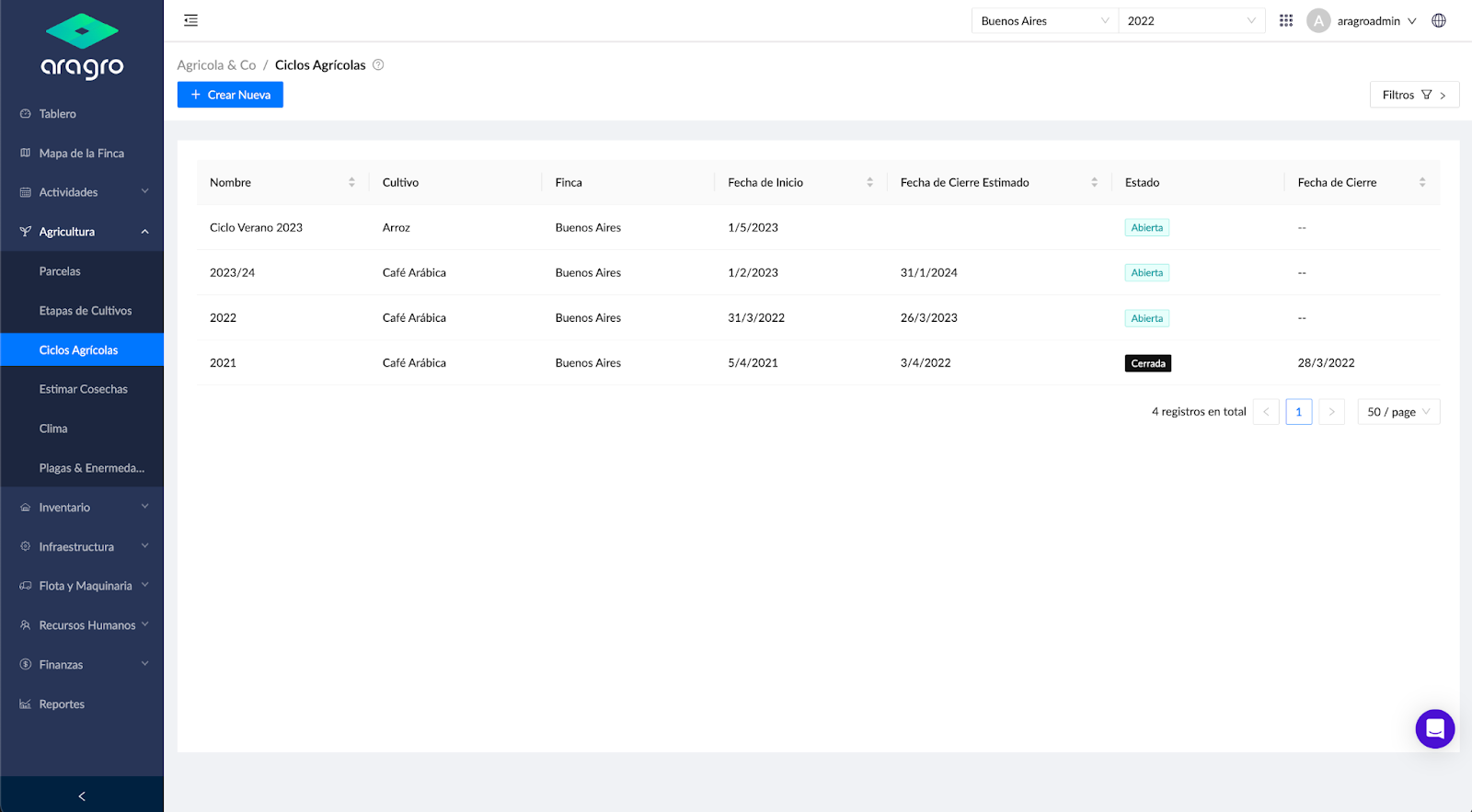
1. To access this section, open the menu on the left in the **Agriculture** module or the general menu at the upper right: [https://app.aragro.com/agro/crop-cycles](https://app.aragro.com/agro/crop-cycles).
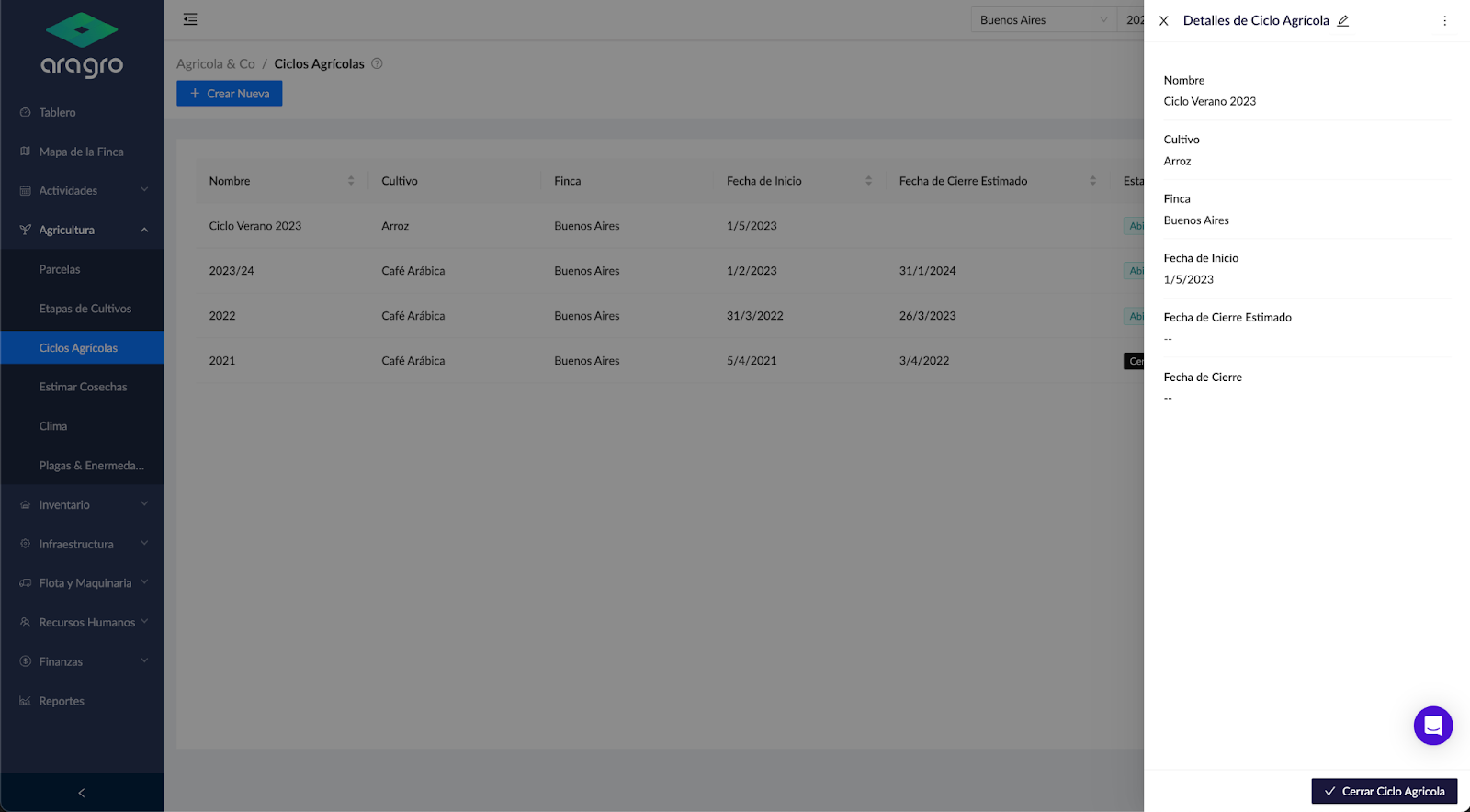
Initially, you can see the list of previously registered crop cycles. Each cycle includes its crop, farm, start date, estimated closing date, status, and final closing date.
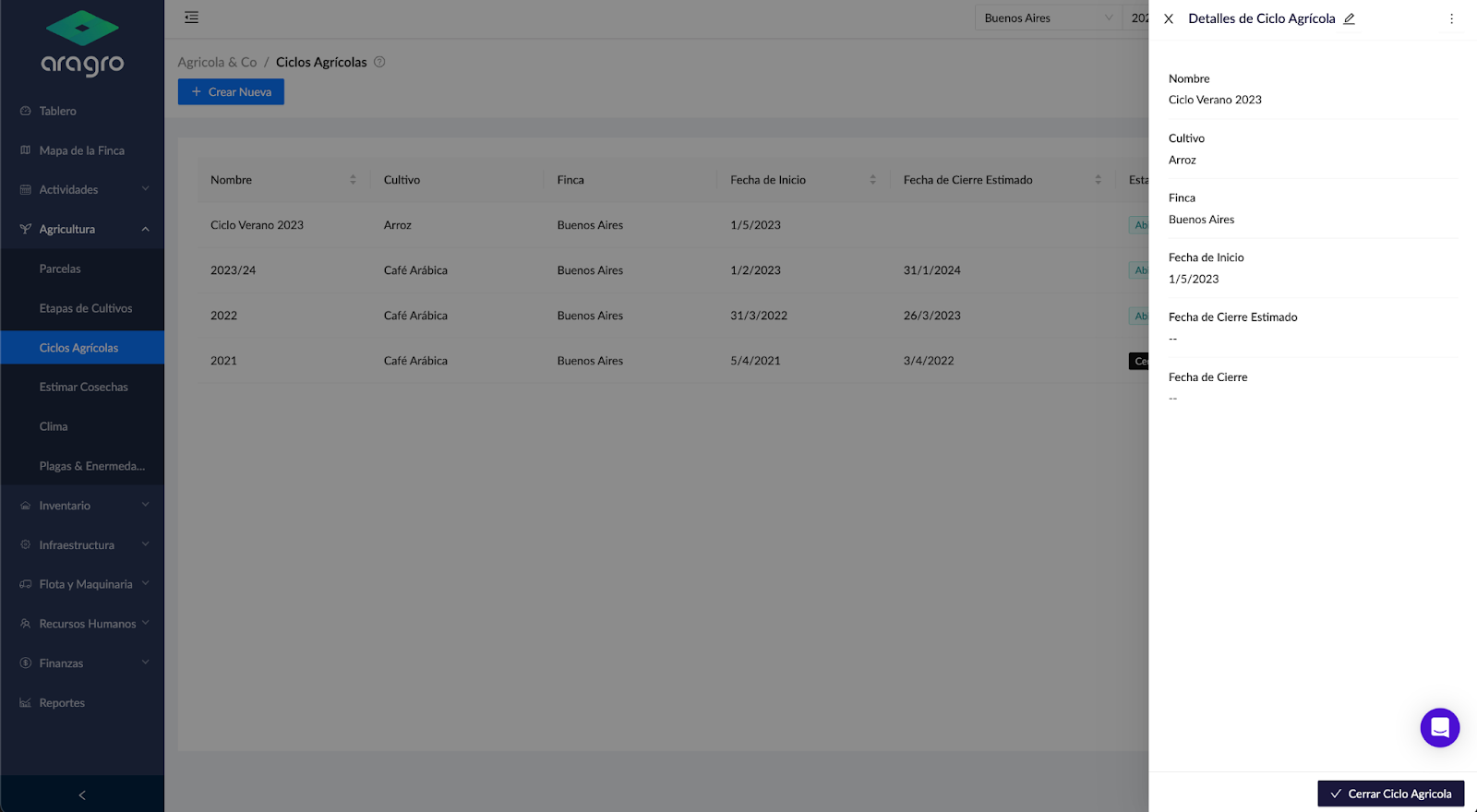
To edit a cycle, click its name. A menu opens on the right; click the pencil icon to edit the cycle.
2. In **Crop cycles**, you can create a new cycle, close a cycle you have already created, or filter the list to find the information you need.
## Create a new crop cycle
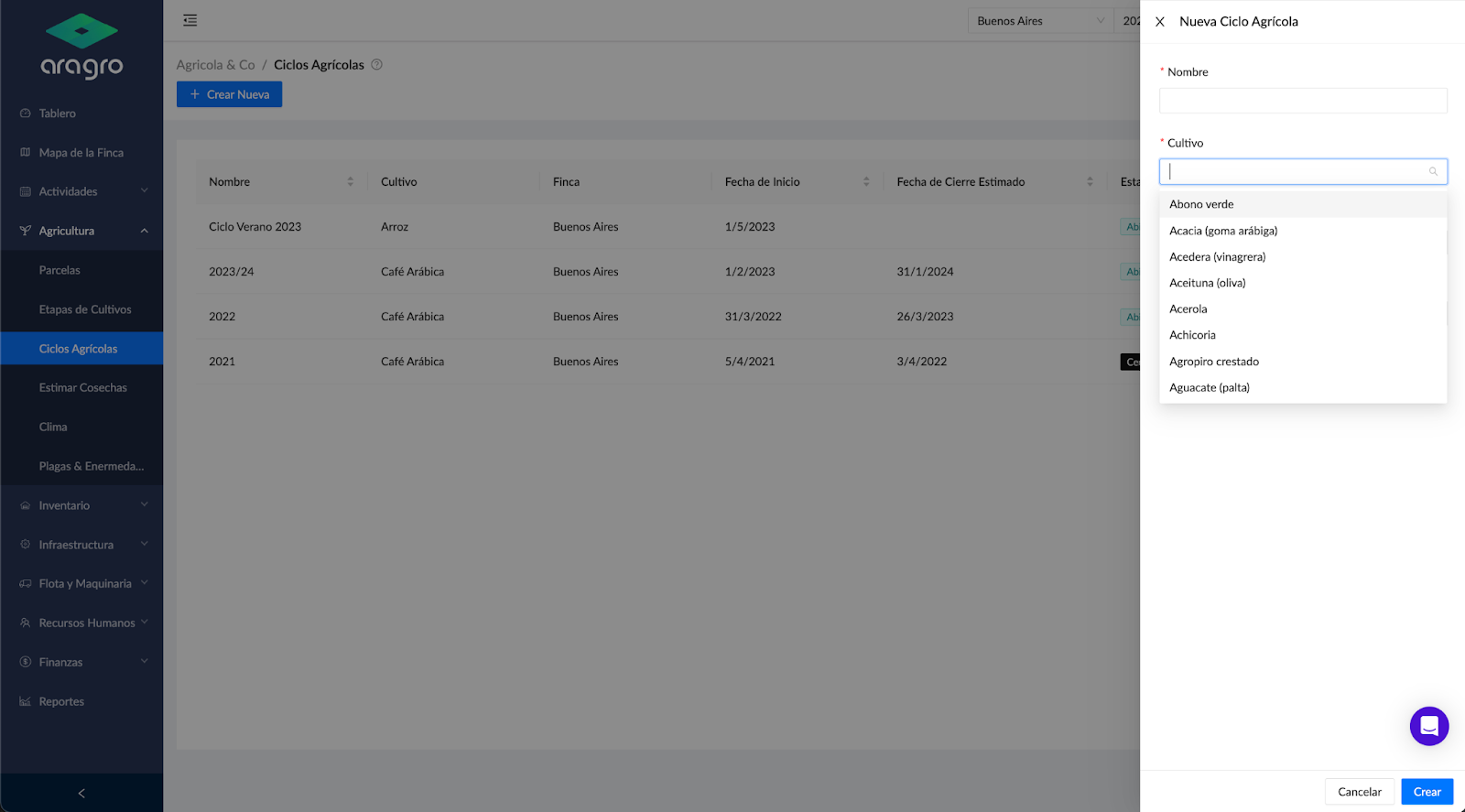
To create a new crop cycle, click the blue **“+ Create new”** button. A form opens in a panel on the right. Complete the basic information and click **Create**.
- **Crop:** This field is preloaded with the names of common crops registered in Aragro. If your crop does not appear, you can create it on the Crops page: [https://app.aragro.com/agro/crops](https://app.aragro.com/agro/crop-cycles). If you have difficulty creating your crop or it does not appear, contact your administrator or technical support.
> *Note: Fields marked with an asterisk (\*) contain information required to continue to the next step.*
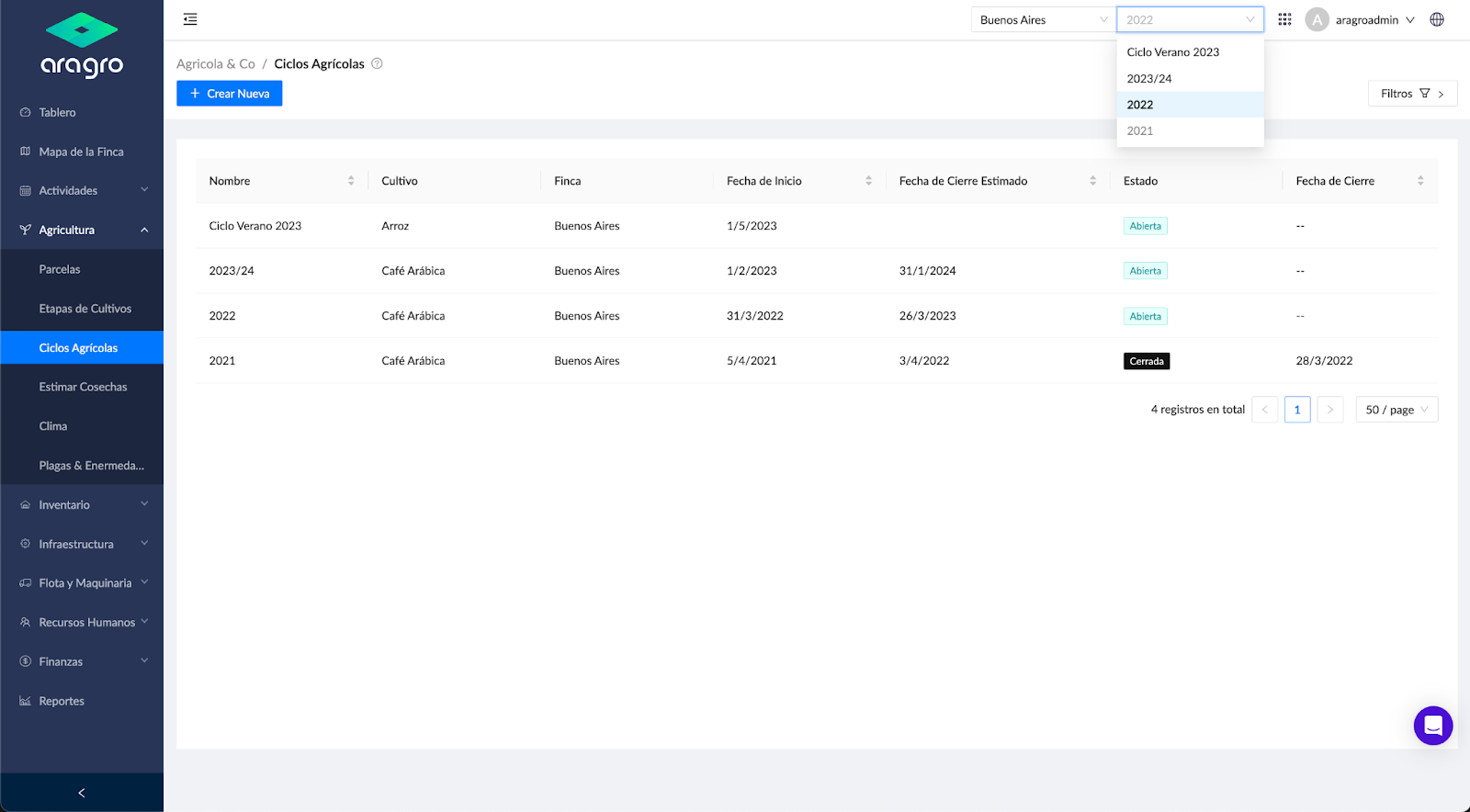
Once the crop cycle is created, you should see it in the list and in the system selector at the top, where you select farms and cycles.
## Close a crop cycle
To close a crop cycle, select it from the list. In the side menu that appears on the right, click **“Close crop cycle.”**
> *Note: You can reopen a closed crop cycle. Open the cycle details and click **“Reopen.”***
See also: [Farms, zones, fields, cycles and crop stages](/en/farms-zones-fields-cycles/).